CHF to EUR Converter
Find out how many euros you get for your Swiss francs using the official ECB reference rate.
Read guideReal ECB rates, offline-ready, no sign-up.
CHF Converter shows you the official European Central Bank mid-rate for every Swiss franc transaction. Open the app, type an amount, and see the result in seconds.

CHF Converter is available on the App Store for iPhone. Download it free, convert any of 13 currencies to Swiss francs instantly, and travel Switzerland with confidence.
Free to download · iOS 17+
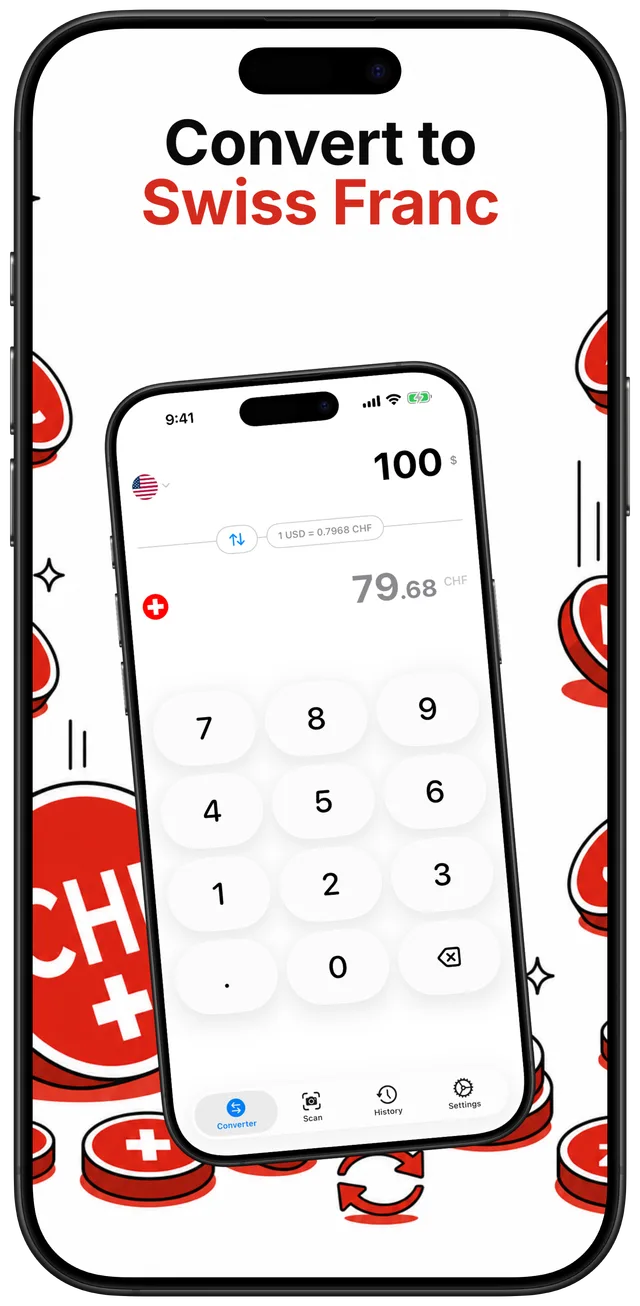
Type any amount and see the Swiss franc value instantly
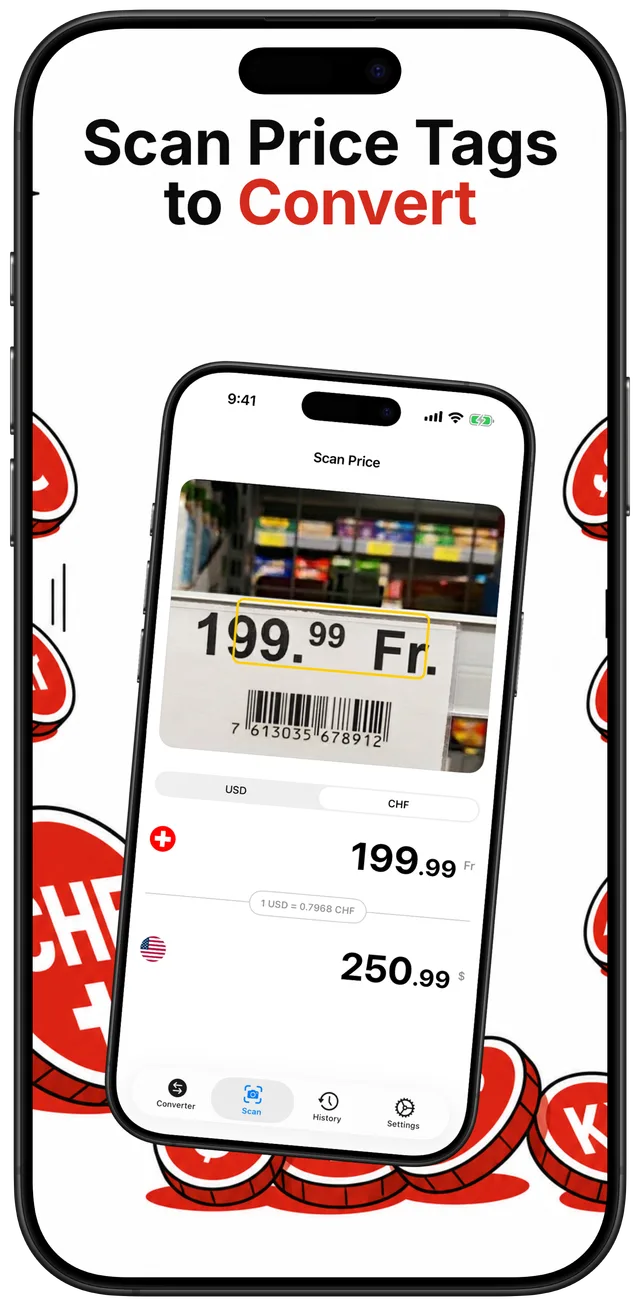
Point your camera at a price tag to convert it on the spot
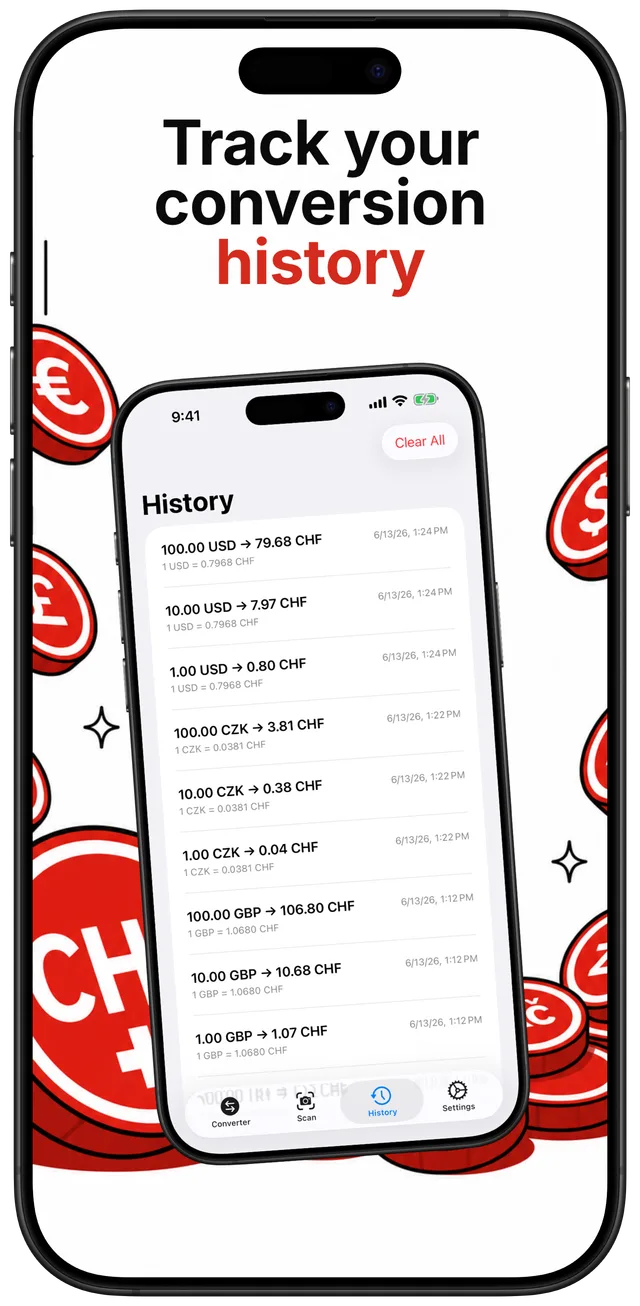
Every conversion is saved so you can review it later
Offline-ready, ECB-accurate, and built for Switzerland travel
Choose from 13 currencies — EUR, USD, GBP, PLN, CZK, HUF, SEK, DKK, NOK, TRY, RON, AUD, or CAD — and the result is always in Swiss francs.
Use the built-in keypad to type any amount. The converted CHF value appears immediately below.
Switch to the Scan tab, aim your camera at a price label, and CHF Converter reads the number and converts it for you.
Every conversion is logged in the History tab with a timestamp, so you can review past figures without re-entering them.
Practical answers to the most common questions about Swiss franc exchange rates and spending in Switzerland.
Find out how many euros you get for your Swiss francs using the official ECB reference rate.
Read guideSee exactly how many Swiss francs your US dollars are worth using the latest derived ECB rate.
Read guideEuros are sometimes accepted in tourist areas but always at a worse rate than the ECB mid-rate — here is what to know before you spend.
Read guideCHF Converter stores the last ECB rate on your device so it works in the Alps with no mobile signal.
Read guideCompare banks, exchange offices, and cards to find the best CHF rate — and learn how to use the ECB rate as your benchmark.
Read guideCHF Converter uses the official European Central Bank reference rate, updated once each working day at around 16:00 CET. In mid-2026, 1 CHF is approximately 1.08 EUR, meaning the franc is stronger than the euro. Open the app to see the current rate. Learn more
At mid-2026 ECB ballpark rates: 100 CHF is roughly 108 EUR or about 124 USD. These figures change daily. Check the live rate in CHF Converter for the exact current amount. Learn more
The Swiss franc is the official currency; euros are not legal tender. Many tourist-area businesses accept euro banknotes, but at a shop-set rate typically 5–10% worse than the ECB mid-rate, and change is returned in Swiss francs. Paying by card in CHF is almost always a better deal. Learn more
Yes. CHF Converter stores the last fetched ECB rate on your device. Once updated, the converter, camera scanner, and history all work without any internet connection — useful in mountain areas, cable cars, and remote valleys where there is no signal. Learn more
CHF Converter uses the European Central Bank official reference rates, published each working day. These are mid-market rates with no bank markup, representing the fairest publicly available benchmark for Swiss franc conversions. Learn more
The app converts 13 currencies to Swiss francs: EUR, USD, GBP, PLN, CZK, HUF, SEK, DKK, NOK, TRY, RON, AUD, and CAD. All conversions are shown in CHF.
No account is required — just download and use the app. CHF Converter contains no ads. A subscription unlock is available for additional features, but the core converter is free to use.
Switch to the Scan tab in CHF Converter and point your iPhone camera at any price label. The app reads the number on the tag and instantly converts it to CHF using the stored ECB rate. Scanning works offline and does not send images to any server.
Download CHF Converter free on the App Store. Get real ECB rates, camera price scanning, and full offline support — no account needed.